| From the Add Items Menu, Color Blocks and Lines will bring up another pop-up once you have chosen your block size. The background color set the color for every time you use the Color Blocks and Lines Button. Texture Color and Width sets the color and width of the texture lines. | 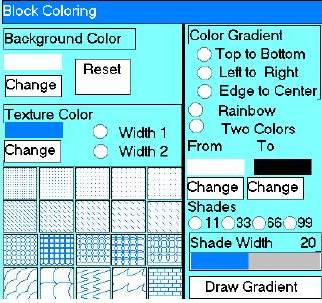 |
|
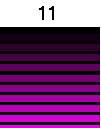
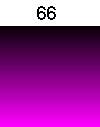
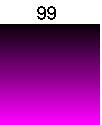
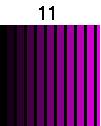
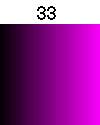
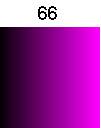
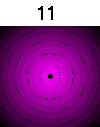
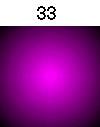
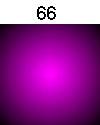
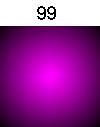
Here are some comparison images done with the Color Gradient Tool. The Shade Width on all of these was set at 7. You can experiment with this to see what suits your needs. If you click in the gray or colored area in the Shade Width box it moves up or down. These are done From black to Magenta Two-Color, Top to Bottom. | |||
 |
 |
 |
 |
| Left to Right | |||
 |  |  |  |
| Edge to Center, this works best with a square background. | |||
 |  |  |  |
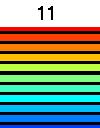
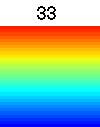
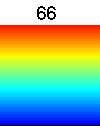
| Rainbow Top to Bottom, does not seem to matter what colors are chosen. | |||
 |  |  |  |
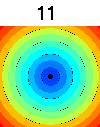
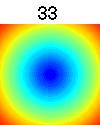
| Rainbow Edge to Center | |||
 |  | 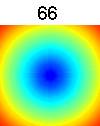 |  |
| These were done on a smaller background. |
 |  |  |